
Highwings 10K 8K 4K HDMI Cable
4.7Editor score
48Gbps bandwidth
4K 120Hz support
Compact five-foot length
This HDMI Cable for PS4 guide compares 10 options for 4K gaming, HDR, audio, durability, cable length, setup flexibility, and dependable PS4 compatibility.
An HDMI cable is the essential link between a PS4 and your television, yet choosing the wrong one can limit resolution, introduce flickering, or make an otherwise polished gaming setup frustrating. The best cable balances dependable signal delivery, useful length, durable construction, and compatibility with the equipment surrounding your console.
We compared ten HDMI cables using their stated specifications, supported resolutions, gaming features, audio capabilities, construction, lengths, and device compatibility. The guide includes premium 48Gbps options, certified HDMI 2.1 cables, braided 4K models, short installations, long in-wall runs, and straightforward two-packs.
Each review explains who benefits most from a particular cable and where compromises may appear. UGREEN stands out for its rating and feature set, while Silkland, Acer, Anker, and Highwings provide alternatives for different priorities. Product details and availability can change, so confirm current specifications before buying.
4.7Editor score

4.7Editor score
4.7Editor score
The comparison covers every shortlisted cable, emphasizing PS4 compatibility, supported 4K modes, bandwidth, physical construction, and the practical value of each cable's length.



The Silkland Certified HDMI 2.1 Cable combines a 4.7 rating with a broad set of display, gaming, and audio capabilities. Its headline 48Gbps bandwidth and HDMI 2.1 certification make it a strong all-around choice for a PS4 installation, particularly when paired with a newer television or sound system.
We may earn a commission when you buy through this link, at no additional cost to you.
The cable supports 4K at 120Hz and 144Hz, along with 5K and 8K output. Those higher modes will not automatically improve a standard PS4's output, but they make the cable appropriate for a setup that may later include a PS5 or other high-bandwidth source. Variable gaming support and compatibility with dynamic HDR add further flexibility.
Audio features are unusually thorough for a gaming cable. The listed support for Dolby Atmos, DTS:X, eARC, and ARC means it can serve a television-to-soundbar arrangement as well as a direct PS4-to-TV connection. Its copper cores, ferrite magnetic beads, and double-layer braided construction are designed to maintain a stable signal while resisting everyday wear.
This is the most versatile recommendation in the guide for buyers who want one dependable cable without limiting future display options. A PS4 can use it immediately, while the stated bandwidth and refresh-rate support provide extra headroom for newer consoles. The main limitation is straightforward: 6.6 feet is not especially long for a distant television or entertainment console.
Choose the Silkland cable when certification, high-resolution capability, gaming-oriented specifications, and audio support matter most. It is an excellent general-purpose option for a PS4, although buyers with very specific needs may favor the shorter Highwings cable, the UGREEN model with its higher rating, or the 15-foot Highwings run for a large room.
Although a PS4 does not use the cable's full 48Gbps capacity, purchasing an HDMI 2.1 model avoids buying another cable when moving to a newer console. It also suits modern televisions and compatible PCs that can make use of its higher refresh-rate support.
The inclusion of eARC, ARC, Dolby Atmos, and DTS:X support makes this cable useful with compatible televisions, soundbars, and receivers. Those features are most relevant when the television handles the audio return path rather than the console.
We may earn a commission when you buy through this link, at no additional cost to you.
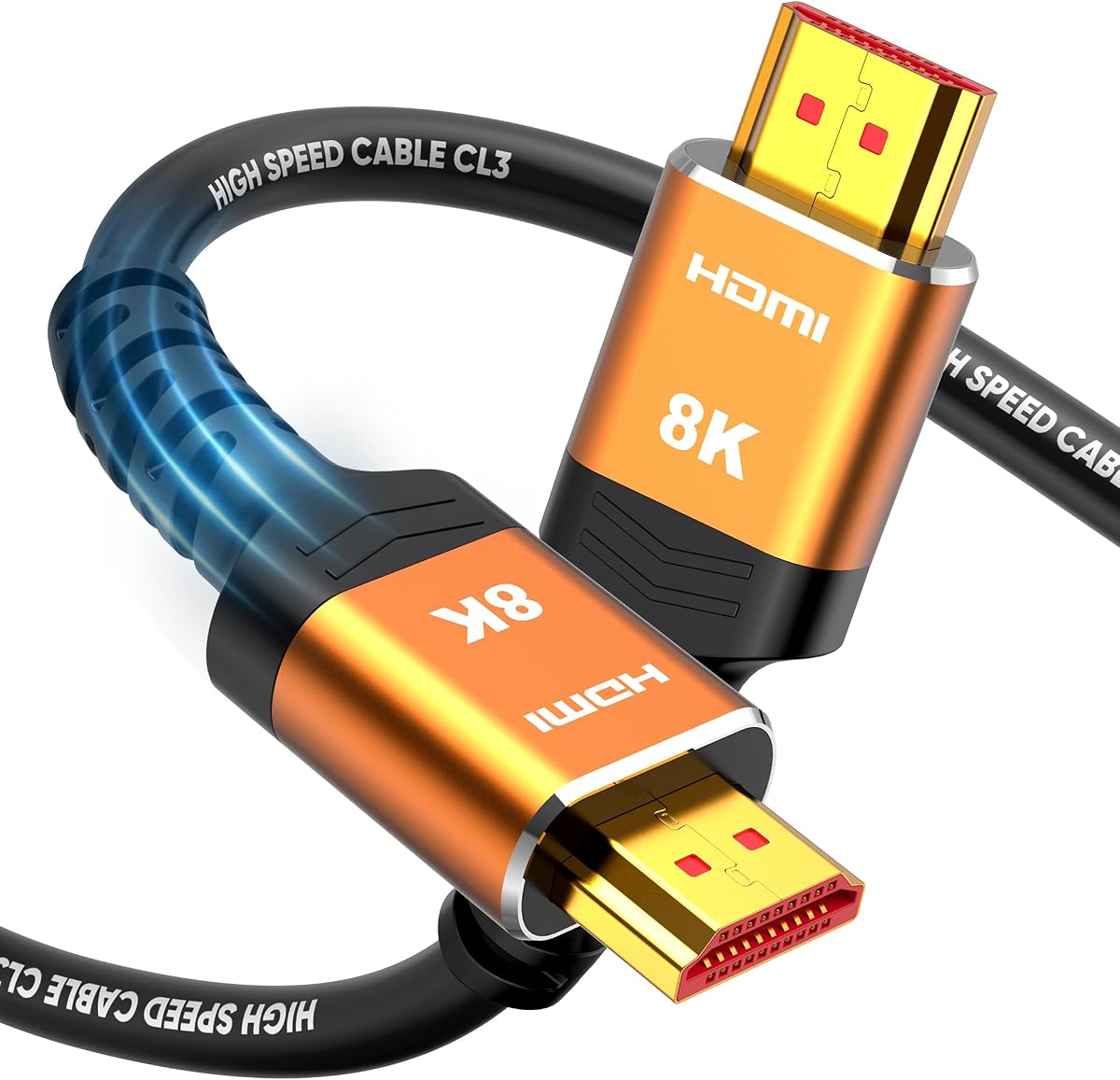
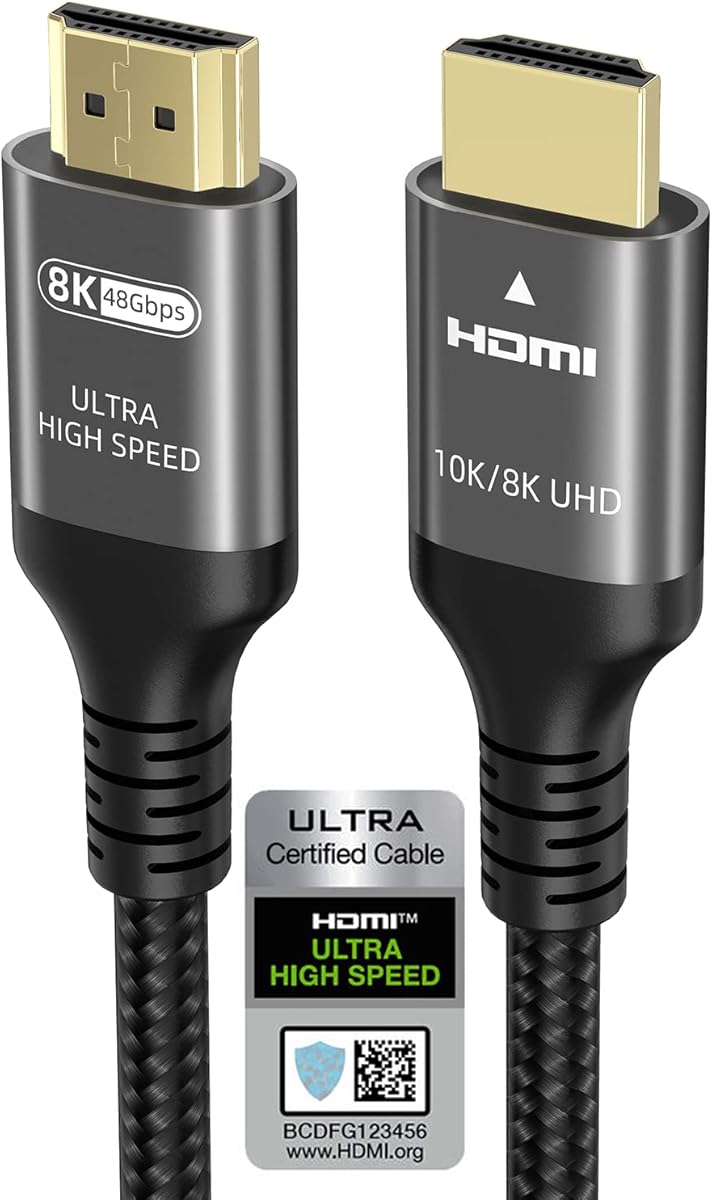
The Highwings 10K 8K 4K HDMI Cable delivers a 4.7 rating and an impressive list of capabilities in a relatively short package. Its 48Gbps bandwidth, 8K at 60Hz support, and 4K at 120Hz capability make it a practical high-speed option for a PS4 positioned near a television or monitor.
We may earn a commission when you buy through this link, at no additional cost to you.
The most important practical detail is its 4.99-foot total length. The manufacturer specifically describes this as a short cable suited to components placed close together. That focus reduces excess slack behind a television stand and can make cable management easier, although the same length would be insufficient in a room where the PS4 sits across the room from the display.
For signal handling, the cable supports 48Gbps, variable refresh rate, and backward compatibility with HDMI 2.0b, 2.0a, and several earlier standards. It is not a substitute for understanding a display's capabilities: the PS4's output mode and the television's supported resolution remain decisive. Even so, the cable provides ample headroom for current 4K gaming and future console upgrades.
Construction is designed around regular use. Highwings uses military-grade tensile nylon and has upgraded the anti-bending design at the cable tail, where connectors commonly receive the most stress. The product also includes a one-year guarantee with free returns or replacement for reported problems, along with a stated support-response window.
This is a compelling choice when the PS4 and television are close and the buyer wants modern bandwidth without an elaborate feature set. It offers many of the practical benefits of premium HDMI 2.1 cables in a more compact format. Its limitation is obvious and measurable: if the installation requires a longer run, choose a six-foot or 6.6-foot cable instead.
A five-foot lead works particularly well when the console sits on the same stand as the television. It provides enough reach for most close arrangements without leaving a large loop of unused cable behind the furniture.
The cable emphasizes useful throughput rather than a long list of specialist functions. Its 48Gbps rating, high-resolution support, and variable refresh rate capability cover the essentials for a modern display and a future console.
We may earn a commission when you buy through this link, at no additional cost to you.
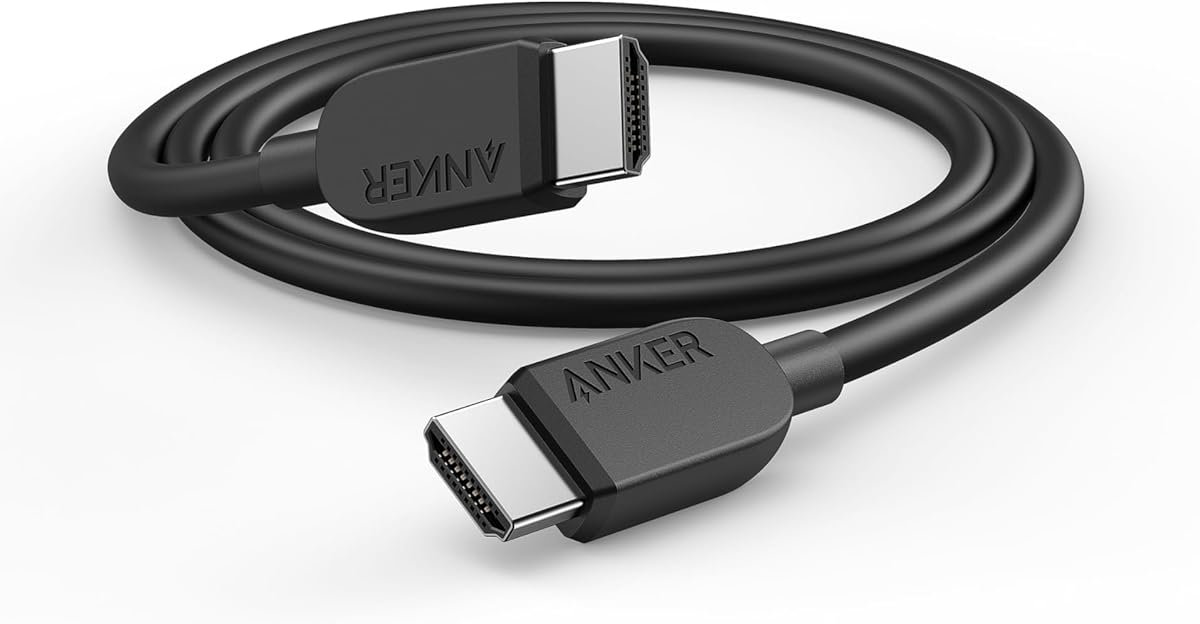
The Anker HDMI 2.1 Cable earns a 4.7 rating and stands out as a polished, premium-oriented choice for a PS4. It combines certified ultra high-speed performance, 48Gbps bandwidth, support for 8K at 60Hz, and 4K at 120Hz with a six-foot length suited to most entertainment centers.
We may earn a commission when you buy through this link, at no additional cost to you.
Anker describes the cable as a versatile connection for tablets, laptops, projectors, desktop screens, and other HDMI-equipped devices. That broad compatibility makes it useful beyond a single PS4 installation. The six-foot length also provides more placement flexibility than the Highwings five-foot model without creating the management burden of a much longer cable.
Durability is a major part of the product's appeal. The stated design is tested to withstand up to 1,000 bends, aiming to protect the connection through repeated handling and routine repositioning. Buyers also receive a welcome guide and an 18-month warranty, adding practical coverage around a component that is frequently plugged, unplugged, and routed behind furniture.
The principal compromise is that its feature presentation is less extensive than some competing cables. The supplied details do not place the same emphasis on eARC, Dolby Atmos, DTS:X, or dynamic HDR as the Silkland and UGREEN descriptions. That does not prevent use with a soundbar or receiver, but buyers should confirm the exact audio and video features required by their system.
The Anker is best for a buyer who values a known brand, straightforward installation, certified high-speed performance, and a six-foot design without needing to compare a long catalog of advanced functions. It is more than sufficient for PS4 gaming and provides useful capability for newer equipment. For gamers who prioritize explicit VRR, eARC, and dynamic HDR wording, UGREEN or Silkland may be a closer specification match.
Six feet is one of the more versatile lengths in this roundup. It provides practical reach for common furniture arrangements while remaining short enough for relatively tidy routing behind a television or console stand.
The claimed 1,000-bend capability addresses a common failure point in gaming setups. Combined with the included 18-month warranty, it gives the cable a stronger ownership proposition than a generic alternative.
We may earn a commission when you buy through this link, at no additional cost to you.
The Highwings 6.6-foot HDMI 2.0 cable is a sensible, less complex alternative for PS4 owners. Its 4.7 rating indicates strong customer satisfaction, while 4K at 60Hz, 18Gbps bandwidth, and broad compatibility align closely with the output capabilities of a standard PS4.
We may earn a commission when you buy through this link, at no additional cost to you.
Unlike the newer HDMI 2.1 options, this cable does not attempt to promise 4K at 120Hz, 8K output, or 48Gbps throughput. For most PS4 gaming, that difference is less important than it may appear. The console's 4K gaming output is principally associated with its Pro model, while standard PS4 and Pro output modes can be served effectively by a properly compliant HDMI 2.0 cable.
The physical design is a major selling point. Highwings reports that the cable has been laboratory tested to withstand more than 15,000 bends without performance loss. Its reinforced joint design is intended to protect the connector ends, and gold-plated connectors support stable signal transmission. The 6.6-foot length is generous enough for many stand or wall-mounted television arrangements.
Audio and viewing features include ARC, 3D, HDCP 2.2, HDR, and full stereo sound support. The cable is also backward compatible with HDMI 1.4, 1.3, and 1.2 equipment, making it useful with older televisions, projectors, Blu-ray players, and consoles. Plug-and-play operation adds convenience because no configuration is required.
This is a good choice for a PS4 setup that values durability, familiar HDMI 2.0 behavior, and a longer cable over future-oriented specifications. It is not appropriate for buyers who want one cable to handle 4K 120Hz gaming on a PS5 or 8K television. Within PS4-only use, however, its core capabilities are focused and credible.
A 4K 60Hz, 18Gbps cable closely reflects what a conventional PS4 connection needs. This can be an advantage because it avoids carrying specifications that the console will never use while providing a dependable baseline for 4K television output.
The stated 15,000-bend endurance is unusually detailed for a basic cable. It makes this model especially appealing in busy entertainment areas where connectors may be moved, plugged, and unplugged regularly.
We may earn a commission when you buy through this link, at no additional cost to you.
The Acer HDMI 2.1 Cable is a strong all-around option for a PS4 and a broader home entertainment system. It has a 4.7 rating, 48Gbps bandwidth, and support for 8K at 60Hz plus multiple 4K refresh rates, giving it substantial capability beyond the console's present requirements.
We may earn a commission when you buy through this link, at no additional cost to you.
Its compatibility list explicitly includes the PS5 and PS4, along with Xbox consoles, Roku, Fire TV, Apple TV, computers, projectors, and 8K or 4K televisions. Variable refresh rate support is useful on compatible displays, while eARC, ARC, Dolby Vision, and Dolby Atmos support make the cable relevant to soundbars and home theaters.
Construction includes a high-purity copper core, aluminum alloy shells, and a braided jacket intended to resist electromagnetic interference, bending, and normal wear. The 6.6-foot length is long enough for common installations and short enough to avoid substantial excess cable. The listing also notes that 3-foot, 6-foot, and 10-foot versions are available, adding placement flexibility.
Acer's stated 4K support extends to 120Hz, 144Hz, and 240Hz, with backward support for 4K at 60Hz, 2K, and 1080p. A PS4 will not exercise the faster modes in every configuration, so buyers should focus on the output they can actually receive. That limitation is normal and does not reduce the cable's usefulness for a PS4.
The Acer is most attractive for a buyer planning a connected entertainment setup rather than a bare console-to-television link. It balances high-speed gaming features, audio-return functionality, and a durable physical design. The main caveat is that the supplied product title does not call this particular version HDMI certified, so buyers who place formal certification above all else should examine the UGREEN, Silkland, or Anker options.
The explicit PS4 and PS5 compatibility, along with support for streaming devices and computers, allows the same cable to move between a growing collection of HDMI sources. That flexibility is useful when a gaming station serves more than one console.
eARC and ARC support can simplify connections to compatible soundbars and receivers. Dolby Vision and Dolby Atmos support further aligns the cable with modern television-based entertainment systems.
We may earn a commission when you buy through this link, at no additional cost to you.
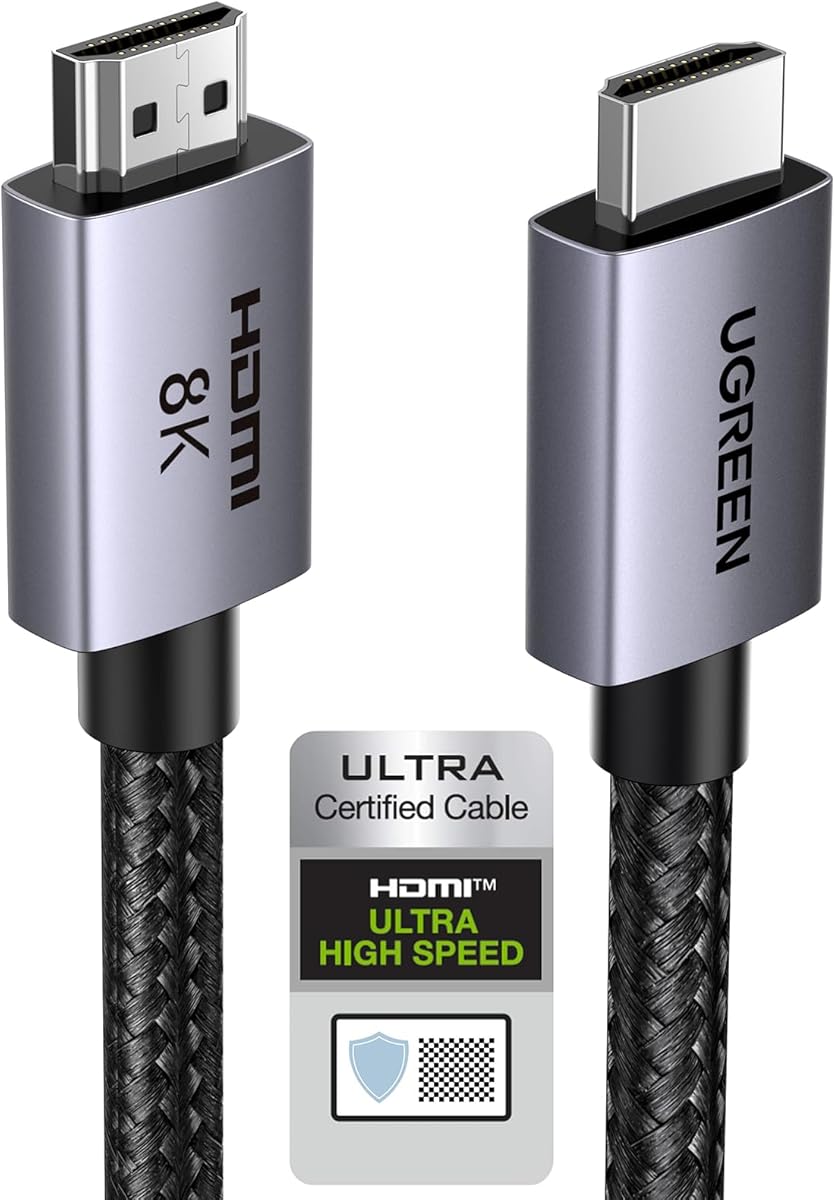
The UGREEN 8K HDMI 2.1 Cable has the highest listed rating in the roundup at 4.8. It combines HDMI 2.1 certification, 48Gbps bandwidth, 4K at 240Hz, dynamic HDR, eARC, and variable refresh rate support, giving it the most complete specification package among the ten products.
We may earn a commission when you buy through this link, at no additional cost to you.
Its compatibility list directly names the PS4 and PS4 Pro, along with the PS5, Xbox Series X and S, older Xbox models, Nintendo systems, Apple TV, streaming devices, computers, projectors, and numerous 4K and 8K televisions. This makes it easy to recommend for a mixed-console household where one cable may need to serve several devices.
The gaming-oriented functions are comprehensive. Variable refresh rate, quick frame transport, auto low latency mode, and quick media switching are designed to improve smoothness and reduce the transition problems associated with changing video modes. Dynamic HDR with 12-bit color and eARC support for formats such as Dolby Atmos and DTS:X broaden the audiovisual appeal.
Physically, UGREEN combines an aluminum alloy case, nickel-plated connectors, and a nylon braided jacket. These materials are intended to withstand repeated bending while maintaining flexibility. At 6.6 feet, the cable is long enough for most entertainment centers but not intended to span a large room without an intermediate arrangement.
On paper, this is the most technically complete choice and deserves attention from any buyer who wants future headroom. A PS4 can use it without difficulty, though many of its advanced specifications exist for newer consoles and displays. The deciding factor is whether the buyer values formal certification, a broad gaming feature set, and the highest listed rating enough to choose it over simpler HDMI 2.0 alternatives.
Variable refresh rate, quick frame transport, auto low latency mode, and media switching are among the most console-oriented features in this guide. They are particularly relevant to newer hardware and compatible gaming televisions.
The cable's HDMI 2.1 certification provides a clear compliance claim, while its broad device list reduces the need for guesswork when building a mixed console and streaming setup.
We may earn a commission when you buy through this link, at no additional cost to you.
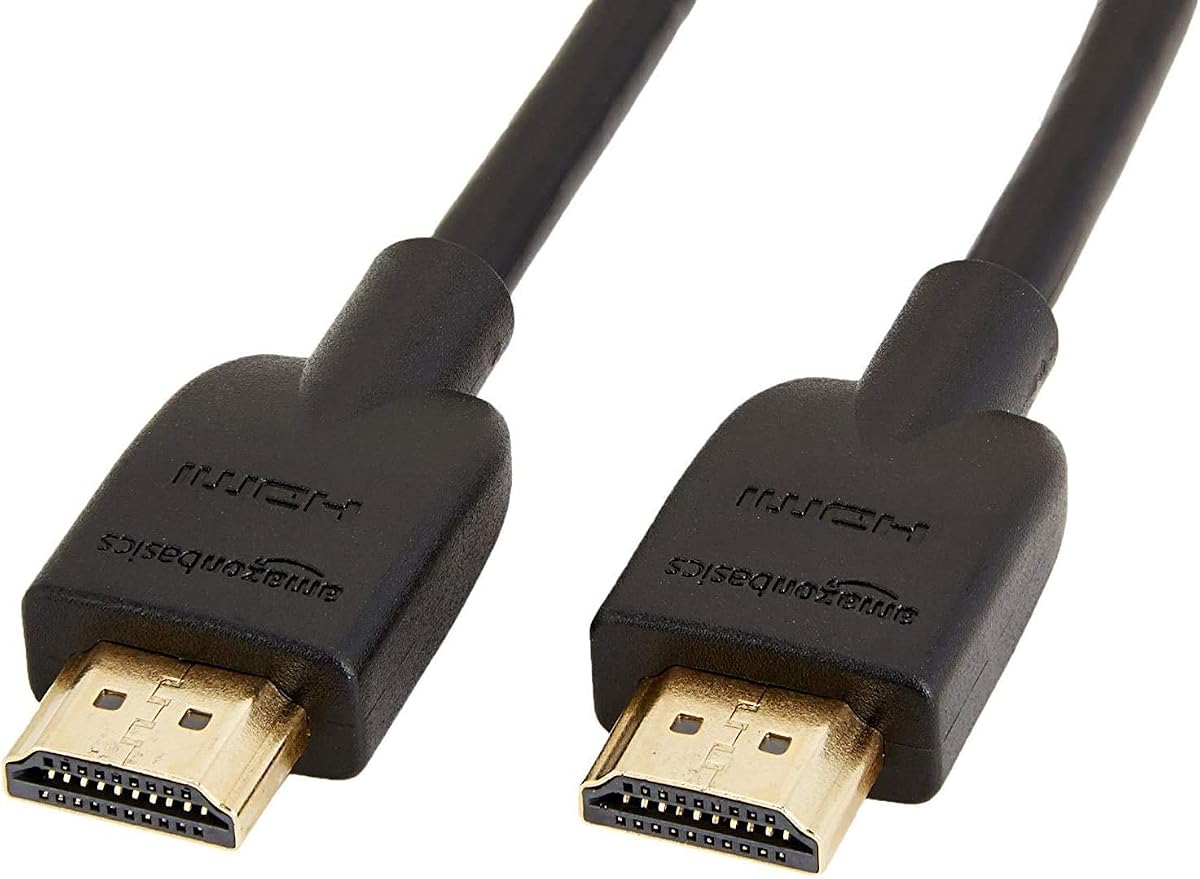
The Amazon Basics HDMI Cable two-pack is a simple, organized solution for PS4 owners who want more than one connection cable. Each cable is three feet long, and the package includes male-to-male HDMI connectors for connecting the console and other devices to a television, display, or audio-video receiver.
We may earn a commission when you buy through this link, at no additional cost to you.
Both cables support 4K video at 60Hz, 2160p resolution, 48-bit color depth, up to 18Gbps bandwidth, Ethernet, 3D, and Audio Return Channel. That feature set aligns with standard PS4 output and common living-room television use. The listing explicitly states that the cables do not support output above 4K at 60Hz.
Having two short cables is particularly useful for a PS4 setup with one primary connection and one spare. The spare can connect a streaming device, Blu-ray player, or a second component near the same television. It can also be routed to a nearby shelf, wall-mounted display, or projector placed close to the console without leaving unnecessary excess cable.
The package is designed for straightforward use. An HDMI A Male to A Male connection works with the PS4's standard HDMI output and the corresponding input on most modern displays. Ethernet support can allow compatible devices to share an internet connection, while ARC provides an audio-return path where the television and soundbar support it.
This two-pack is best when compactness, organization, and straightforward PS4 compatibility matter more than high refresh rates. It is a particularly good choice for a media cabinet where every extra foot of cable creates clutter. Buyers seeking 4K 120Hz gaming or a cable for a future PS5 should choose a longer HDMI 2.1 model, but for conventional PS4 use this package is remarkably functional.
A second short cable is useful when a PS4 setup has only one reachable television input or when another nearby device needs a temporary HDMI connection. It also provides a replacement without requiring a second purchase.
At three feet, the cables fit well within a close media cabinet. Short leads reduce visible loops and make it easier to place the PS4, streaming devices, and television input panel neatly together.
We may earn a commission when you buy through this link, at no additional cost to you.
The Highwings 15-foot HDMI 2.1 cable solves the spatial problem that shorter gaming cables cannot. It is designed for installations where the PS4 sits far from the television, a wall-mounted display is above a fireplace, or the equipment is positioned in a media cabinet across a large room.
We may earn a commission when you buy through this link, at no additional cost to you.
Its stated 48Gbps bandwidth and support for 8K at 60Hz and 4K at 120Hz or 144Hz keep the long run aligned with modern display standards. Dynamic HDR, variable refresh rate, eARC, and HDCP 2.2 support broaden the feature set. The cable is also described as compatible with HDMI 2.1 through HDMI 1.1 sources.
The CL3 in-wall rating is especially useful for a permanent installation. It allows the cable to pass through standard wall construction where local building requirements permit in-wall-rated wiring. Copper wire technology is intended to minimize signal attenuation and interference over the longer distance, while the construction also seeks to improve carrying capacity and durability.
The 4.5 rating is the lowest among the products here, although it still represents generally favorable customer feedback. Buyers should account for the fact that long cables are less convenient to reposition, and unused excess length can make furniture arrangements look untidy. This product is most valuable when distance is a genuine requirement rather than a speculative one.
The Highwings 15-foot model is the clear selection for a large-room or in-wall PS4 installation. It is less attractive for a compact entertainment center, where a six-foot cable is easier to manage. Before installation, confirm that the route is safe, properly supported, and compliant with applicable in-wall wiring requirements.
A 15-foot run provides the reach needed to connect a PS4 across a room or place a television at a greater distance from the console. Copper construction and the stated attenuation resistance help preserve a stable signal over that longer route.
The CL3 rating is the key detail for concealed wiring. It makes the cable more appropriate for routing through a wall, provided local regulations and installation practices are followed.
We may earn a commission when you buy through this link, at no additional cost to you.
The 6FT HDMI Cable is a straightforward option for PS4 owners who need a normal-length connection and do not require high-refresh gaming modes. It has a 4.6 rating, 18Gbps bandwidth, and support for 4K at 60Hz, 2160p, and 48-bit color depth.
We may earn a commission when you buy through this link, at no additional cost to you.
The six-foot cable measures approximately 1.8 meters and is designed to bridge most standard television-console arrangements. It uses an HDMI A Male to A Male configuration and requires no additional setup beyond connecting the PS4 to a compatible HDMI input on the television, projector, display, or receiver.
For a PS4 installation, the stated functions cover the essentials. Ethernet support can enable compatible devices to share an internet connection, while ARC returns audio through the television in setups with a compatible soundbar. The cable also supports 3D and remains backward compatible with earlier HDMI generations.
Its compatibility list includes the PS4, PS3, PS5, Xbox One, Xbox 360, Blu-ray players, Fire TV, Apple TV, computers, laptops, HDTVs, displays, and audio-video receivers. That broad list makes it a general-purpose cable rather than one limited to console use, although the name and specifications most directly emphasize a 4K 60Hz connection.
This cable is a practical choice for a conventional PS4 installation in which the television does not require 4K 120Hz. The six-foot length offers a middle ground between compact three-foot leads and very long room-spanning cables. If the setup includes a new console or a high-end gaming television, an HDMI 2.1 cable offers more useful headroom; otherwise, this model's core specifications are direct and easy to understand.
Six feet is a versatile length for most gaming furniture. It provides enough reach for common arrangements without the excess slack associated with a long installation cable.
The 18Gbps bandwidth and 4K 60Hz ceiling match a straightforward home-entertainment connection. This simplicity can be preferable when high-end gaming features are not relevant to the selected display.
We may earn a commission when you buy through this link, at no additional cost to you.
The Ubluker 10K 8K 4K HDMI Cable is a feature-rich 6.6-foot option with a 4.7 rating. It includes an official HDMI certification label, 48Gbps bandwidth, and support for 4K at 120Hz and 144Hz, making it an appealing cable for a PS4 setup that may later receive a newer console.
We may earn a commission when you buy through this link, at no additional cost to you.
The certification claim is a notable advantage. Ubluker states that the package carries an official HDMI certification label and meets HDMI Forum requirements. Its listed feature set includes variable refresh rate, all-mode auto low latency, quick frame transport, quick media switching, dynamic HDR, HDR10+, CEC, and HDCP 2.2 and 2.3.
Resolution support is broad, including 10K at 60Hz, 8K at 60Hz, multiple 5K and 4K refresh rates, and very high 1080p modes. Most of these capabilities exceed what a PS4 can output, but they provide useful headroom for a PS5, high-end PC, or recent television in a household that expects to upgrade.
Audio support includes eARC, ARC, DTS Master, DTS:X, Dolby TrueHD, Dolby Vision, and Dolby Atmos when used with compatible equipment. The stated compatibility list covers PS5, PS4, PS3, Xbox Series X and S, gaming PCs with FreeSync or G-SYNC, Apple TV, OLED televisions, projectors, monitors, and major streaming platforms.
The Ubluker is most attractive to a buyer who values a certified cable and a long feature list without moving to the longest option. Its 6.6-foot length suits most entertainment centers, while the breadth of supported modes makes it a strong bridge between a current PS4 and future hardware. Compared with UGREEN, it has a slightly lower rating but similarly certification-focused positioning.
The official certification label gives buyers a clear compliance claim. Combined with 48Gbps bandwidth, it creates a reassuring foundation for high-bandwidth gaming and audiovisual equipment.
Although the PS4 cannot use every advertised mode, the cable can remain in the setup when a newer console is added. That makes it a sensible long-term purchase for buyers who are already considering a console upgrade.
We may earn a commission when you buy through this link, at no additional cost to you.
The right PS4 cable depends on display capabilities, room layout, audio equipment, and whether the same connection needs to support future hardware. These factors help separate basic 4K suitability from premium gaming and installation features.
A standard PS4 and a PS4 Pro have different output capabilities, so the console model is the first consideration. A conventional PS4 setup generally needs a dependable HDMI connection for 1080p and 4K television output, while a Pro can take advantage of stronger 4K gaming output. The HDMI 2.0 cables in this guide explicitly support 4K at 60Hz and 18Gbps bandwidth, which provides a straightforward baseline for PS4 use. Premium HDMI 2.1 options add 48Gbps bandwidth, higher refresh rates, and future-facing features that may not be exercised by the console today.
In short, optimize for the console you own now, but consider a high-speed cable if you expect to replace it soon.
Resolution and refresh rate work together. A 4K label alone does not indicate the maximum frame rate or color format a cable can carry. Several selections support 4K at 60Hz, while certified HDMI 2.1 cables support 4K at 120Hz, 144Hz, or even 240Hz. A PS4 will generally be the limiting device in those arrangements, but the television, source, and cable must all agree on a common mode. A higher-rated cable cannot create a resolution or refresh rate that the PS4 does not output.
For a PS4-only setup, prioritize stable 4K at 60Hz. Choose a higher-bandwidth cable when sharing equipment with a PS5, PC, or modern television.
HDMI 2.0 cables are designed around 18Gbps bandwidth and remain appropriate for many PS4 installations. HDMI 2.1 cables use up to 48Gbps and can support higher refresh rates, dynamic HDR, variable refresh rate, and other advanced functions. Certification provides added assurance that the product has passed stated HDMI Forum requirements, but certification does not mean every connected device can use every advertised feature.
Use a certified HDMI 2.1 cable for a new, flexible setup. A compliant HDMI 2.0 cable is sufficient when the goal is a simple and stable PS4 connection.
Length is a practical factor that affects routing, appearance, and signal requirements. Three-foot cables suit tightly grouped components, while six to 6.6 feet covers most conventional entertainment centers. A 15-foot cable is appropriate when the PS4 and television are separated by a room, mounted on a wall, or connected through an in-wall route. Measure the actual path rather than estimating from room width, and allow a little service slack for bending the connectors.
Choose the shortest length that comfortably reaches. For a fixed wall installation, use a cable specifically listed as in-wall rated.
Variable refresh rate, auto low latency mode, quick frame transport, and quick media switching are most valuable on compatible modern gaming displays. These features can reduce tearing, improve response behavior, and make source switching feel more consistent. A PS4 may not exploit all of them, so a buyer should consider whether other devices in the household use the same television. Premium HDMI 2.1 cables are most useful when a PS5 or gaming PC is part of the setup.
For a PS4-only purchase, these features are secondary. For a mixed console system, they can justify a higher-bandwidth cable.
HDR support can reveal brighter highlights, deeper shadows, and wider color when the television, game, and cable all support it. Dynamic HDR, HDR10+, Dolby Vision, and related formats should be considered only if the display and source support the same standard. Audio features such as eARC, ARC, Dolby Atmos, and DTS:X become important when audio travels from the television back to a soundbar or receiver. A basic cable can carry ordinary console audio, but a more advanced cable offers better flexibility for an expanded setup.
Prioritize the audio and HDR formats your actual equipment uses. Unused capabilities add little practical value.
HDMI cables fail most often around the connector strain relief or from repeated sharp bending. Braided jackets, reinforced connector joints, aluminum alloy shells, and quality connector plating can improve longevity. Highwings states bend-test figures for two models in the roundup, while Anker lists a 1,000-bend capability for its cable. These claims are not directly interchangeable, but they indicate how manufacturers intend the cable to withstand normal handling. Buyers should also avoid sharply folding the cable behind furniture or pulling it by the connector.
Look for protected connector ends and a jacket suited to the installation. In-wall cables need appropriate safety certification.
Compatibility should be checked at both ends of the connection. The PS4 uses a standard HDMI connection, and nearly all modern televisions provide a compatible input, but a soundbar, receiver, projector, or switching box may introduce its own requirements. ARC and eARC must be supported by the television and audio device, while HDR, VRR, and high refresh rates require matching support across the source and display. A backward-compatible cable can be used with older HDMI generations, reducing concern when older consoles or media players remain in the setup.
Confirm the resolution, refresh rate, audio, and physical connections supported by every device before purchasing.
Begin by identifying the correct HDMI input on the television and connecting the PS4 while both devices are switched off. Seat the connector fully, but do not force it at an angle. If the setup includes an audio-video receiver or soundbar, follow that device's connection order so the television can provide the intended audio return path. Turn on the display first, select the matching HDMI input, and then start the console.
Allow the system to establish a connection before changing picture or audio settings. If the image appears unstable, test a different television input, reconnect the cable at both ends, and confirm that the selected display mode matches the PS4's supported output. A cable cannot overcome a television that lacks the required resolution, refresh rate, HDR, or audio-return function, so any remaining issue may be a device setting rather than a cable fault.
Treat the cable gently even when its jacket is braided. Avoid sharp bends, pinching it under furniture, wrapping it tightly around a power supply, or pulling it from the connector. For an in-wall run, use a cable listed for that application and follow applicable building requirements. When not needed, loosely coil the cable for storage. Replacing a visibly strained or damaged cable is preferable to troubleshooting intermittent signal problems later.
A PS4 uses a standard HDMI connection and does not require a proprietary cable. A reliable HDMI 2.0 cable that supports 4K at 60Hz is generally suitable for a conventional PS4 setup. An HDMI 2.1 cable is worthwhile if you want greater bandwidth, newer gaming features, or plan to reuse the cable with a PS5.
It will not automatically produce a sharper picture than a suitable HDMI 2.0 cable. Picture quality is limited by the PS4 model, selected output mode, television, and game. An HDMI 2.1 cable can provide more reliable handling of advanced modes and future hardware, but the PS4 itself remains the source limitation.
A well-made 15-foot cable can support modern high-bandwidth connections, and the Highwings option in this guide is described as 48Gbps, CL3 in-wall rated, and supported by copper-wire construction. For permanent routes, choose a cable explicitly listed for in-wall use, support it properly, and avoid tightly coiling it around power cables.
Not necessarily. HDMI 2.0 can support 4K at 60Hz, which is relevant to many PS4 television setups. HDMI 2.1 becomes more important for 4K at 120Hz or higher, features such as VRR, and compatibility with newer consoles. The television and game must support those modes as well.
Yes. The usual arrangement connects the PS4 to the television's HDMI input, then connects the television to a compatible soundbar through another HDMI port. If the soundbar and television support eARC or ARC, audio can return through the HDMI connection. Otherwise, a separate optical or analog audio path may be needed.
A 3-foot cable works well when the console and television sit together, while 6 to 6.6 feet is the most versatile range for typical furniture arrangements. Measure the route and add enough slack for the connectors to bend without strain. Use a longer or in-wall-rated option only when the physical layout requires it.
Start by trying a different television input and reconnecting the cable securely at both ends. Confirm that the television is set to the matching input and that the selected resolution is supported. A damaged connector, marginal cable, incompatible mode, or television setting can each produce a similar symptom, so test the simplest connection before changing several settings at once.
Certification is a useful assurance for buyers prioritizing dependable compliance and a broad set of modern features. It is especially attractive for a new entertainment setup or one that includes a PS5. For a straightforward PS4 installation, a well-reviewed HDMI 2.0 cable that meets the television's requirements may be entirely sufficient.
The Silkland cable is the most versatile overall recommendation because it combines HDMI 2.1 certification, 48Gbps bandwidth, 4K high-refresh support, durable braiding, and extensive audio functions. The Highwings five-foot model is a focused choice for nearby components, while the Anker cable offers a premium, recognized-brand alternative with certified bandwidth and a useful six-foot length.
Prioritize compatibility before extras. A standard PS4 setup may be perfectly served by a dependable HDMI 2.0 cable with 4K at 60Hz support, while a shared console, soundbar, and modern television system benefits from HDMI 2.1, eARC, VRR, and dynamic HDR. Cable length should follow the furniture layout, and concealed installations require an appropriately rated cable.
Before purchasing, verify the PS4 model, television specifications, soundbar or receiver requirements, and the path the cable must follow. Product details, ratings, and availability can change, so check the current listing and ensure that the selected cable remains compatible with the complete system.