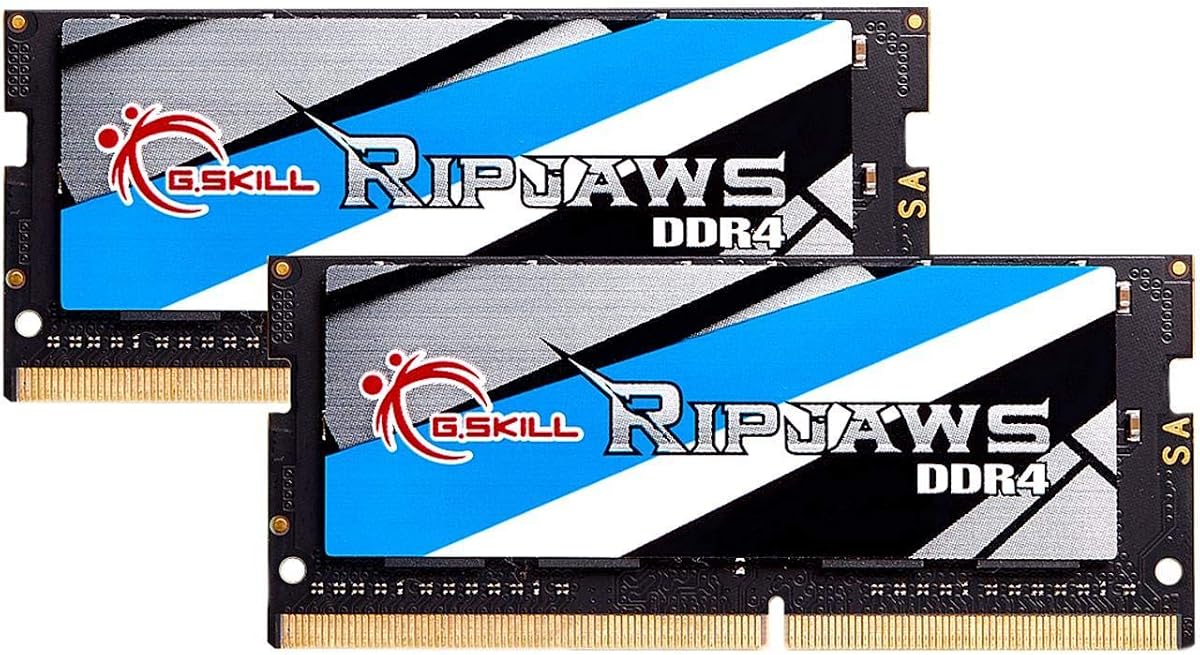
G.SKILL Ripjaws 32GB DDR4 SODIMM
4.7Editor score
Matched 2x16GB kit
Up to 3200MT/s speed
CL22-22-22-52 timings
JEDEC default profile
Our DDR4 Sodimm Laptop RAM guide compares 10 trusted options for capacity, speed, compatibility, rank, voltage, and everyday laptop performance.
DDR4 Sodimm Laptop RAM can give an aging notebook more usable memory, improve multitasking, and keep it useful for work, school, and everyday browsing. A worthwhile upgrade must match the laptop's DDR4 generation, 260-pin SO-DIMM form factor, supported capacity, and memory configuration rather than simply look fast on paper.
We compared all ten modules and kits using the specifications supplied by their manufacturers and retailers. The guide covers single modules and matched dual-module kits, including 8GB, 16GB, and 32GB options, while considering speed, timings, rank, voltage, non-ECC construction, and the importance of verified device compatibility.
Each review identifies the configuration and intended use that make a product worth considering, along with practical limitations involving capacity, laptop support, or downclocking. Ratings and availability can change over time, and prices fluctuate frequently, so confirm the current listing and your computer's specifications before ordering.
4.7Editor score
4.8Editor score

4.8Editor score
This side-by-side comparison highlights capacity, rated speed, module configuration, and electrical design so buyers can quickly identify a suitable DDR4 laptop memory upgrade.


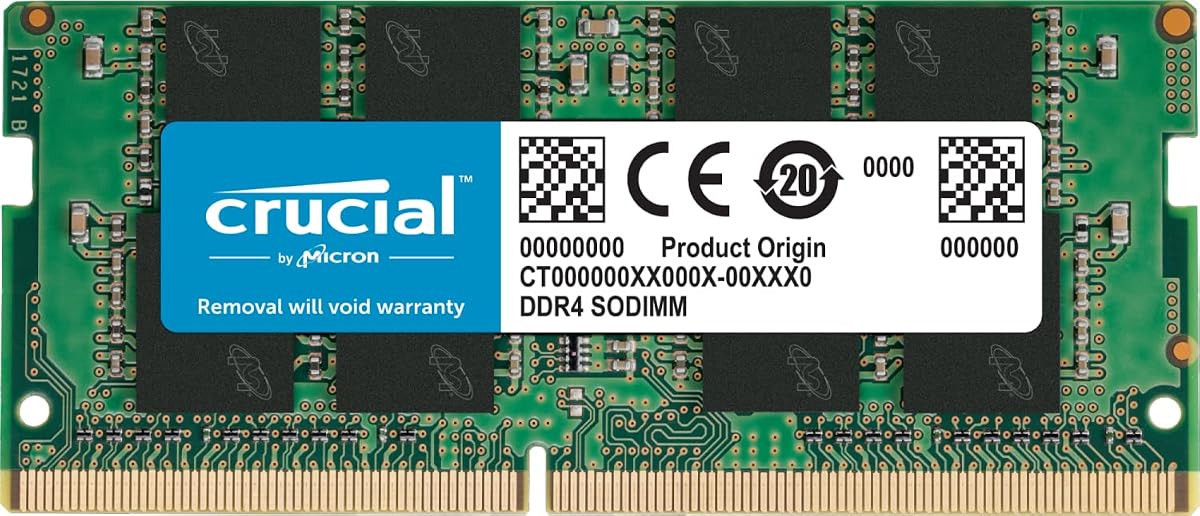
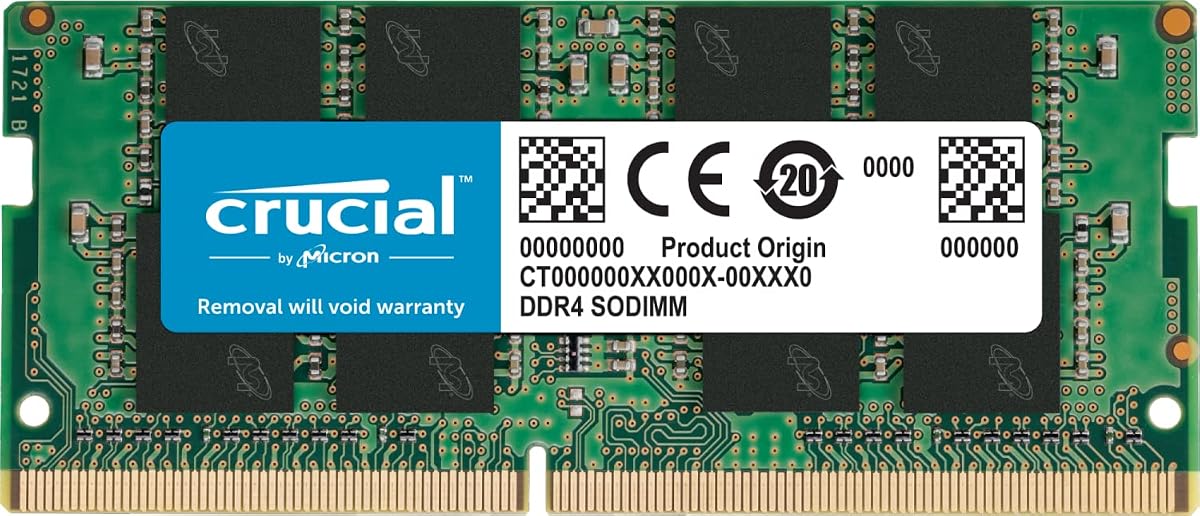
The Crucial CT16G4SFRA32A is a 16GB DDR4 SO-DIMM with a 4.8 rating, making it one of the strongest all-around choices in this guide. Its combination of useful capacity, 3200MHz maximum speed, CL22 timing, and standard 1.2V operation suits a broad range of compatible DDR4 laptops that want more room for multitasking.
We may earn a commission when you buy through this link, at no additional cost to you.
Its standout quality is balanced practical usability. The module can operate at 3200MHz or downclock to 2933MHz and 2666MHz depending on the processor, motherboard, BIOS, and laptop configuration. Crucial also provides a System Scanner and Upgrade Selector, which can help buyers identify a compatible part before installation. The memory is non-ECC, unbuffered, and uses the standard 260-pin SO-DIMM form factor.
There are some constraints to understand. This listing describes one 16GB module rather than a matched two-module kit, so maximum dual-channel performance depends on the laptop and whether another compatible module is already installed. It also cannot accelerate a system whose CPU or firmware does not support the advertised speed. The available rank configurations may vary, so checking the exact listing remains important.
This is a strong recommendation for a compatible laptop that currently has limited memory, especially one used for browser-heavy work, document editing, video calls, and several applications at once. Buyers should confirm the laptop's maximum capacity, supported memory type, and existing module details before ordering. For most users seeking a straightforward capacity increase, it offers an excellent mix of recognition, flexibility, and usable specifications.
A 16GB module gives applications more working memory than an 8GB configuration. That can reduce pressure from large browser tabs, office documents, messaging apps, and background processes without requiring the highest possible clock rate.
Crucial's System Scanner and Upgrade Selector are particularly helpful when the laptop model has several memory configurations. They provide a more defensible basis for selecting RAM than relying only on a generic DDR4 label.
We may earn a commission when you buy through this link, at no additional cost to you.
Samsung's M471A2K43DB1-CWE is a 16GB DDR4 SO-DIMM rated at 3200MHz and carries a 4.6 rating. It is a well-specified single-module option for compatible notebooks and all-in-one computers, offering enough memory for demanding multitasking while staying within the familiar PC4-25600, CL22, and 1.2V DDR4 profile.
We may earn a commission when you buy through this link, at no additional cost to you.
The main technical distinction is its 2Rx8 dual-rank x8 organization. Dual-rank memory can be useful in compatible systems, although actual performance still depends on the laptop's controller and configuration. The module is non-ECC and unbuffered, uses 260 pins, and is intended as a straightforward upgrade for select DDR4 laptops, notebooks, and all-in-one systems. Samsung states that its modules undergo quality assurance testing for dependable operation.
Because the package contains one 16GB module, users should not assume it will create a dual-channel configuration on its own. A matching module may improve available bandwidth if the laptop supports dual-channel memory and the second module is installed in the correct slot. The actual operating speed may also be limited by the host processor, BIOS, and laptop design.
Choose this Samsung module when you want a clearly identified 16GB upgrade for a compatible DDR4 laptop and appreciate the specificity of a named part number. It is particularly appropriate for users who can verify the exact module support for their computer. The main reason to hesitate is the absence of a bundled two-module kit, making this more of a straightforward capacity purchase than a ready-made high-bandwidth arrangement.
A named module and part number make it easier to compare physical specifications with memory already installed. That specificity can be valuable when compatibility is uncertain or when a user wants a module with a documented rank organization.
The 2Rx8 organization gives this module a distinct technical profile, but it does not guarantee a measurable gain in every notebook. Processor support, firmware, and the number of installed modules remain central to real-world performance.
We may earn a commission when you buy through this link, at no additional cost to you.
The Crucial CT8G4SFRA32A provides 8GB of DDR4 laptop memory, supports speeds up to 3200MHz, and earned a 4.8 rating. It is a practical starter upgrade for compatible laptops that need more memory than a very small configuration can provide, especially for browsing, schoolwork, and everyday productivity applications.
We may earn a commission when you buy through this link, at no additional cost to you.
The module can run at 3200MHz, 2933MHz, or 2666MHz depending on the host system, which makes its rated speed more flexible than a fixed-speed upgrade. It follows the common 260-pin SODIMM, non-ECC, 1.2V DDR4 format, and Crucial supplies installation guides plus compatibility tools. Its available rank arrangements include 1Rx16, 1Rx8, or 2Rx8 configurations.
Eight gigabytes is modest by current standards. A user running many browser tabs, large spreadsheets, creative applications, virtual machines, or several demanding programs may still encounter pressure on available memory. The module also offers only one physical stick, so a two-module arrangement would be needed for a matched dual-channel configuration in a compatible laptop.
This is a sensible choice for extending the useful life of a compatible business or student notebook without moving directly to a large matched kit. Verify the maximum memory capacity and whether the system accepts an 8GB module before buying. It works especially well as a simple first step when the existing configuration is lighter and the goal is smoother everyday multitasking.
Moving from a smaller memory configuration to 8GB can help with general responsiveness, especially when several ordinary applications remain open. It is most useful where the laptop's processor and workload are appropriately matched to the added capacity.
Supporting three common speed levels helps the module fit both newer and older DDR4 platforms. The laptop's memory controller and BIOS determine which available speed is actually used.
We may earn a commission when you buy through this link, at no additional cost to you.
The G.SKILL F4-3200C22D-32GRS is a matched 32GB DDR4 SO-DIMM kit consisting of two 16GB modules. Its 4.7 rating reflects a strong combination of capacity, a 3200MT/s target speed, and CL22-22-22-52 timings for compatible performance-oriented laptops.
We may earn a commission when you buy through this link, at no additional cost to you.
Shipping with two matched modules removes the need to source a separate second stick and gives compatible dual-channel laptops the opportunity to use more memory bandwidth. The kit is unbuffered, non-ECC, operates at 1.20V, and includes a JEDEC default SPD profile. G.SKILL also provides a memory configurator and qualified vendor list resources for additional compatibility guidance.
The important caveat is that the advertised maximum speed depends on the system's motherboard, CPU, BIOS, and memory controller. G.SKILL states that the kit boots at its JEDEC default SPD speed with default BIOS settings, while 3200MT/s can require overclocking or BIOS adjustments. The manufacturer also warns against mixing kits because unmatched memory can cause instability or failure.
This kit is best for a compatible laptop that supports 32GB across two SO-DIMM slots and needs room for heavy multitasking, large project files, or memory-intensive applications. It is less suitable for systems limited to one module or a lower maximum capacity. For buyers who can use both modules as designed, it provides the most complete matched high-capacity configuration in the guide.
Using two modules from one kit gives the laptop a clearer path to dual-channel operation than combining unrelated sticks. That can improve memory bandwidth in applications that benefit from it.
The included default profile provides a conservative starting point in compatible systems. Enthusiasts can then explore documented adjustments, while ordinary users can leave BIOS settings unchanged.
We may earn a commission when you buy through this link, at no additional cost to you.
The TEAMGROUP TED432G3200C22DC-S01 is a 32GB DDR4 SO-DIMM kit built from two 16GB modules. Its 4.8 rating makes it one of the strongest capacity-focused options here, particularly for compatible laptops that need headroom for intensive multitasking or memory-heavy applications.
We may earn a commission when you buy through this link, at no additional cost to you.
The kit is rated for 3200MHz with CL22 timings and can also operate at 2933MHz or 2666MHz when required by the host system. It uses a 260-pin, unbuffered, non-ECC design at standard 1.2V. TEAMGROUP states that the modules adhere to JEDEC standards and RoHS requirements, and that strict DRAM testing and verification procedures are applied to the product.
As with any two-module kit, the laptop must provide two compatible memory slots and support 32GB in total. The manufacturer clearly notes that actual memory speed depends on the CPU, motherboard, BIOS, and supported configuration. Those limitations are normal for laptop memory and make a pre-purchase compatibility check essential, especially on an older model.
This kit is a compelling option for a compatible power laptop or workstation-style notebook whose owner wants maximum memory capacity from the standard DDR4 platform. It is better suited to sustained advanced workloads than the smaller single modules in the guide. For users who need more RAM but cannot install two modules, one of the single-stick alternatives will be the more realistic choice.
Thirty-two gigabytes gives applications a larger working pool, reducing the likelihood that a compatible system will exhaust memory during large project loads. Capacity can be more valuable than extra clock speed for many users.
The stated JEDEC adherence, RoHS compliance, and component verification procedures support confidence in a standardized laptop upgrade. They do not replace the need to confirm support in a particular device.
We may earn a commission when you buy through this link, at no additional cost to you.
The A-Tech 8GB DDR4 module is rated for up to 2400MHz with CL17 timings and has a 4.7 rating. It offers a conservative, widely understood specification for compatible DDR4 laptops, making it most relevant to older systems that do not need or support the higher 3200MHz class.
We may earn a commission when you buy through this link, at no additional cost to you.
The module uses the standard 260-pin SO-DIMM format, operates at JEDEC DDR4 standard voltage of 1.2V, and is non-ECC and unbuffered. Its single 8GB configuration can improve loading and multitasking compared with a very small memory setup. A-Tech supports its product with a lifetime warranty and technical support, and states that installation can be completed at home without specialist expertise.
The 2400MHz rating means it will not take advantage of the faster 3200MHz offerings in this list, even if the laptop supports that speed. Its 8GB capacity can also feel restrictive for demanding workloads. Rank may be 1Rx8 or 2Rx8 depending on the supplied configuration, so buyers who need a precise rank match should check the current part details.
This module is best for a compatible older DDR4 notebook, an all-in-one with a single accessible memory slot, or a straightforward capacity increase where stable standard-speed operation matters more than peak bandwidth. It is a sensible compatibility-oriented choice rather than the most future-proof option. Confirm the laptop's maximum module capacity and supported memory generation before purchasing.
A 2400MHz CL17 module aligns with many DDR4 laptop platforms from earlier generations. Choosing a conservative profile can be sensible when the replacement should prioritize broad fit over headline speed.
The product information emphasizes an at-home installation process and ongoing technical support. Users should still consult their laptop's service guide and follow electrostatic-discharge precautions.
We may earn a commission when you buy through this link, at no additional cost to you.
The GIGASTONE 32GB kit includes two 16GB DDR4 SO-DIMM modules and holds a 4.7 rating. Its combination of 3200MHz capability, CL22 timing, and a matched 32GB configuration makes it attractive for compatible laptops, notebooks, and all-in-one computers that need extra memory bandwidth and capacity.
We may earn a commission when you buy through this link, at no additional cost to you.
The kit operates at 1.2V and follows the unbuffered, non-ECC, 260-pin SODIMM format. It can downclock to 2933MHz or 2666MHz where required by the host device. GIGASTONE describes compatibility with a wide range of devices commonly found in the laptop, notebook, and all-in-one categories, though that broad claim still means buyers should verify their exact model.
Capacity and module organization are the main considerations. A matched pair can support dual-channel operation where the computer provides two slots and recognizes the modules together, while 32GB is useful for advanced multitasking. However, systems with one accessible slot, lower maximum capacity, or different memory-generation requirements are not candidates for this kit.
Choose GIGASTONE when a compatible system can accept two 16GB DDR4 modules and the goal is a full-capacity refresh rather than a modest addition. It is a sound choice for users managing many applications at once. Before ordering, check the laptop's service manual or a trusted compatibility utility to verify both slot support and the maximum permitted memory capacity.
The two-module format can give compatible systems both a higher total capacity and the opportunity for dual-channel operation. Together, these factors often matter more in daily laptop use than a small difference in rated clock speed.
Even broadly compatible DDR4 SO-DIMMs cannot be treated as universal. CPU generation, maximum capacity, slot layout, and existing memory all affect whether the kit can be installed successfully.
We may earn a commission when you buy through this link, at no additional cost to you.
This Samsung 8GB DDR4 module carries a 4.8 rating and offers up to 3200MHz operation in the standard PC4-25600 and PC4-3200AA classes. Its 1Rx16 single-rank design, CL22 timing, and 1.2V voltage make it a focused option for compatible laptop and notebook upgrades.
We may earn a commission when you buy through this link, at no additional cost to you.
The module is non-ECC, unbuffered, and uses the 260-pin SO-DIMM form factor. The listing identifies possible Samsung part numbers including M471A1G44CB0-CWE, M471A1G44AB0-CWE, and M471A1G44BB0-CWE, or an equivalent Samsung part with identical specifications and performance. That variation is important to note when comparing the listing with memory already installed in a particular computer.
Eight gigabytes is enough for many ordinary tasks but does not offer the breathing room of a 16GB module or a 32GB kit. The single-rank designation is useful information for compatibility planning, but it does not guarantee a performance advantage. Actual supported speed remains tied to the laptop's CPU and firmware, and adding a second mismatched module may require careful configuration.
This Samsung module works well for a compatible system needing one affordable capacity increase, particularly one with a single accessible slot or a user who prefers a straightforward eight-gigabyte module. It is a strong rating and a clear technical specification set. Confirm the exact laptop requirements, current module details, and maximum supported capacity before making the purchase.
The stated 1Rx16 organization makes this module easier to compare with another stick. Matching specifications can help when a laptop supports multiple memory channels or requires consistent module characteristics.
An 8GB module is most useful as an incremental improvement in a compatible laptop. It suits users who need more headroom for everyday applications but do not need to support large professional datasets.
We may earn a commission when you buy through this link, at no additional cost to you.
This 32GB DDR4 SO-DIMM is a high-capacity single-module option rated for 3200Mbps, or PC4-25600, at 1.2V. Its 4.7 rating and dense 32GB configuration make it most relevant to compatible laptops that can accept large individual modules but have only one accessible memory slot.
We may earn a commission when you buy through this link, at no additional cost to you.
The module uses a 260-pin SODIMM design and a 2Rx8 dual-rank organization, with component composition listed as sixteen 2Gb x8 memory chips. It is associated with the M471A4G43AB1-CWE naming convention. Unlike the matched 32GB kits in this guide, it gives the user a single physical module, simplifying installation in a one-slot design.
That simplicity comes with a potential bandwidth trade-off. A laptop engineered for a single large module may still benefit from the capacity, but it cannot gain a second matched channel from this stick alone. Compatibility is the central question because some laptop controllers and BIOS versions impose stricter limits on module density and total memory than the product specification alone suggests.
This is an excellent candidate for a compatible mobile workstation or notebook with a single slot and a high maximum-memory specification. It can also be one half of a two-module arrangement when the laptop supports matching. Verify the maximum capacity per slot, accepted module organization, and existing memory before ordering; a 32GB module is not automatically supported by every DDR4 laptop.
A single 32GB module can solve capacity limits in laptops that do not offer a second accessible slot. This avoids replacing one stick with two while still delivering a large working memory pool.
Large-capacity DDR4 modules can demand more from a laptop's memory controller than smaller modules. Checking per-slot limits and BIOS support is more important than simply comparing the total 32GB figure.
We may earn a commission when you buy through this link, at no additional cost to you.
The CORSAIR Vengeance CMSX16GX4M1A3200C22 is a 16GB DDR4 laptop memory module rated up to 3200MHz with CL22-22-22-53 timings. Its 4.7 rating makes it a credible option for compatible notebooks, combining a familiar brand with useful capacity and a clearly defined performance profile.
We may earn a commission when you buy through this link, at no additional cost to you.
The module is designed around a slim form factor intended to fit compatible laptop and notebook memory slots. CORSAIR states that carefully selected DRAM is used for stability and that compatible systems may enable automatic overclocking without requiring manual BIOS configuration. As with the other high-speed options here, the final operating behavior depends on the CPU, motherboard, and BIOS.
One important qualification is that reaching the maximum speed can still require overclocking or BIOS adjustments. The 16GB capacity is more likely to produce a visible improvement for multitasking than the clock-rate figure alone, especially in a laptop previously constrained by a small memory configuration. Because only one module is supplied, users should not assume dual-channel operation unless another compatible module is present.
This module is well suited to a compatible laptop owner who values the CORSAIR Vengeance name and wants a 16GB upgrade without a two-module kit. It is especially attractive where the system supports automatic speed selection and a straightforward installation. Confirm the laptop's supported memory generation, maximum capacity, and slot layout before purchasing to ensure a proper fit.
The module's design is aimed at physical compatibility within compatible notebook slots. Users should still compare dimensions and follow their laptop service guide because enclosure layouts vary.
The detailed timing specification helps define the module, but the processor and firmware decide what it can actually achieve. A compatible system that selects the rated profile offers the most predictable result.
We may earn a commission when you buy through this link, at no additional cost to you.
Choosing compatible laptop memory is primarily an exercise in matching physical format, DDR generation, capacity, and the computer's supported configuration. A module that looks fast on a listing is only useful if the laptop can physically accept it and its controller can operate it reliably.
Laptop memory is not interchangeable across every generation or form factor. The products in this guide use DDR4 in a 260-pin SO-DIMM package, which differs from desktop DIMMs and from newer DDR5 laptop modules. A system designed for DDR5 will not accept DDR4 because the notch location, electrical standards, and signaling differ. Confirm the memory generation in the service manual, BIOS, or an established device specification utility before buying.
Choose only 260-pin DDR4 SO-DIMM for the laptops covered by this guide. Full-length desktop DDR4 memory is physically too large for most notebook slots, and some compact or unusual laptop layouts may have proprietary constraints even when they use standard SO-DIMMs.
Laptop capacity limits vary considerably. Some older DDR4 notebooks accept only 8GB or 16GB in total, while others support 32GB or more through one or two slots. Check both the maximum total capacity and the maximum capacity allowed in each slot. A high-density 32GB module may not work in a system whose controller or BIOS was designed for smaller DDR4 modules, even if the product itself is valid.
Also consider whether both slots are accessible. Some laptops have one soldered module and one removable slot, while others expose two upgradeable sockets. Match the kit quantity to the physical layout instead of assuming every 32GB option is interchangeable.
A single module is easier to install and can be a practical way to increase capacity, especially in a laptop with one accessible slot. A matched two-module kit may support dual-channel operation, which can improve bandwidth for integrated graphics, general multitasking, and other memory-sensitive tasks. The modules should be sold and installed as a set rather than combined with unrelated memory.
For a laptop that already has one populated slot, verify whether the existing module can be replaced or paired with the new one. Rank, timing, and capacity differences can affect whether two modules operate together at their full rated speed. Replacing the existing stick with a matched pair usually provides the most predictable result.
A module rated at 3200MHz may run at 2933MHz or 2666MHz when the laptop's CPU or memory controller cannot support the highest rate. The product listings in this guide make that downclocking behavior explicit. Memory speed can improve responsiveness, but capacity and dual-channel organization often produce a larger practical difference in ordinary workloads.
Look for a JEDEC-compatible baseline and reasonable timings such as CL22, which is common for 3200MHz laptop memory. The A-Tech CL17 module operates at a lower 2400MHz class but may be a better match for an older platform. Prioritize the speed the computer can actually run before focusing on a higher headline number.
All ten products use standard 1.2V DDR4 laptop memory and are described as non-ECC and unbuffered. ECC memory includes extra error correction for servers and workstations, while buffered memory serves different platform architectures. Standard consumer laptops generally need ordinary non-ECC unbuffered SO-DIMMs, and adding ECC or registered alternatives without platform support is not a valid upgrade path.
The listed Crucial 8GB product includes a voltage formatting inconsistency in its source information, showing 12V alongside the standard profile details. Its other specifications and general 260-pin DDR4 format indicate a conventional laptop module, but buyers should verify the actual part label before installation and never assume the typo reflects a real electrical difference.
Rank describes how memory chips are organized within a module. Options in this guide include 1Rx16, 1Rx8, 2Rx8, and products allowing multiple compatible rank configurations. Rank can influence compatibility and performance, especially when combining modules. Users who need to pair memory should look for matching capacity, speed, voltage, timings, and organization whenever possible.
Single-rank and dual-rank modules can both work well, and rank alone does not determine compatibility. The more important issue is whether the laptop supports the module's density and total capacity. Use the service manual, the current memory listing, or a reputable configurator to check these details.
Compatibility tools from Crucial, G.SKILL's configurator and qualified vendor list, and manufacturer support can reduce uncertainty before purchase. These resources are especially valuable for business laptops, older notebooks, all-in-one systems, and machines with unusual memory limitations. Even a broadly compatible listing should be checked against the exact model because CPU generation and firmware revisions can change supported configurations.
Read recent customer feedback for signs of a known hardware generation, but use the service manual and official specifications as the primary authority. If a laptop is under warranty, follow the manufacturer's replacement procedure and confirm that opening it will not affect coverage.
An 8GB module is suitable for basic productivity and can provide a worthwhile improvement over a smaller configuration. A 16GB module is a more versatile choice for heavy browsing, office workloads, communication apps, and creative tools. A 32GB configuration offers the greatest headroom for advanced multitasking, large files, development environments, and other memory-intensive applications.
More memory does not make every task faster. If the laptop's processor is the main limitation, adding RAM will not transform it. However, adequate memory prevents the system from relying on slower storage for virtual memory and gives applications more room to remain responsive. Choose capacity based on your workload and the device's supported maximum, not only on the number printed on the box.
Before opening the laptop, confirm that the replacement is a 260-pin DDR4 SO-DIMM, read the manufacturer's service instructions, and disconnect the charger. Remove the battery if the design allows it, work on a clean and dry surface, and avoid touching the gold contacts or other exposed components. Static electricity can damage memory, so grounding yourself and keeping the module in its protective packaging until installation are sensible precautions.
Remove or release the existing memory according to the laptop's service guide. Many systems use retention clips on the sides of the SO-DIMM slot, while others use a screw-secured metal cover. Align the module's notch with the slot and press evenly until the clips close. A 16GB or 32GB module must be inserted in the orientation specified by the manufacturer and should not be forced.
Reassemble the laptop, reconnect power, and boot it. First visit should include confirmation that the full advertised capacity is visible in the operating system or BIOS. If the machine reports less memory, shut it down, reseat the module, and check the system's supported capacity and dual-channel arrangement. Stable modules should pass their normal memory self-test when requested by the system, and any error should be investigated before relying on the installation.
Generally, no. Desktop DDR4 modules use a longer DIMM form factor, while compatible laptops require shorter 260-pin SO-DIMMs. The physical size prevents normal insertion, and laptops may also use different electrical or firmware requirements. Always verify that the replacement is specifically a laptop SO-DIMM.
It may work, but it may operate at a lower supported speed such as 2933MHz or 2666MHz. Compatibility also depends on the laptop accepting the module's capacity, rank, and density. Check the service manual or a reputable configurator because physical DDR4 compatibility does not guarantee that every 3200MHz module is supported.
One large module is preferable when the laptop has only one accessible slot or when adding a second module creates compatibility concerns. Two matched modules can be preferable for a laptop with two slots because they may enable dual-channel operation. The laptop's memory architecture and maximum capacity should guide the choice.
Matching capacity, speed, voltage, timings, and rank gives the system the best chance of stable dual-channel operation. It is also wise to avoid mixing unrelated memory kits, as incompatibilities can cause downclocking, instability, or failure to boot. Replacing both modules with a matched pair is generally the most predictable option.
An 8GB module can be sufficient for light productivity and general browsing, while 16GB is more comfortable for heavy browser use, office applications, video calls, and multitasking. A 32GB configuration suits advanced workloads and users who want more runway before the laptop becomes constrained. The best amount depends on your applications and the system's maximum capacity.
It can make the system feel more responsive when the existing memory is insufficient, particularly during multitasking or when applications need more working memory. It will not overcome every performance limitation, such as a slow processor or storage drive. Capacity and dual-channel support usually matter more to the user experience than a small difference in rated memory speed.
No. Some laptops support only 8GB or 16GB modules, while others permit 32GB or larger individual modules. The system must support the module's density, organization, voltage, and total memory. Check the manufacturer's per-slot and overall memory limits before buying a high-capacity module.
Power the laptop down completely, disconnect the charger, and reseat the memory according to the service instructions. Confirm the module is DDR4, 260-pin SO-DIMM and that its notch orientation is correct. If the laptop previously worked, test the original module alone before trying the replacement, and contact the manufacturer if the problem persists.
The Crucial 16GB CT16G4SFRA32A stands out as the most balanced choice for many compatible DDR4 laptops, combining a 4.8 rating, useful capacity, flexible speed support, and clear compatibility resources. For buyers who can install two modules and need more headroom, the G.SKILL Ripjaws 32GB matched kit provides a complete high-capacity configuration. The Samsung 8GB module is a focused, efficient choice for a simpler capacity refresh.
Prioritize the memory type, per-slot limit, total capacity, and module layout before considering speed. A 3200MHz rating is useful only when the laptop can support it, and a matched pair may deliver more practical benefit than a faster single stick. For older systems, a lower-rated 2400MHz module can be the more compatible and sensible option, while high-density 32GB modules require careful controller and BIOS verification.
Ratings, product listings, and prices can change, so review the current specification and compatibility information before checkout. Use the laptop's service manual, the manufacturer's memory tool, or a trusted configurator to verify the final choice. Taking a few minutes to confirm support can prevent an otherwise excellent DDR4 SODIMM upgrade from becoming a frustrating installation.